KorfCoach
Features
Everything KorfCoach does, with a picture of each. Accounts are made by each club's admins: if you have one, sign in to use it.
Match day
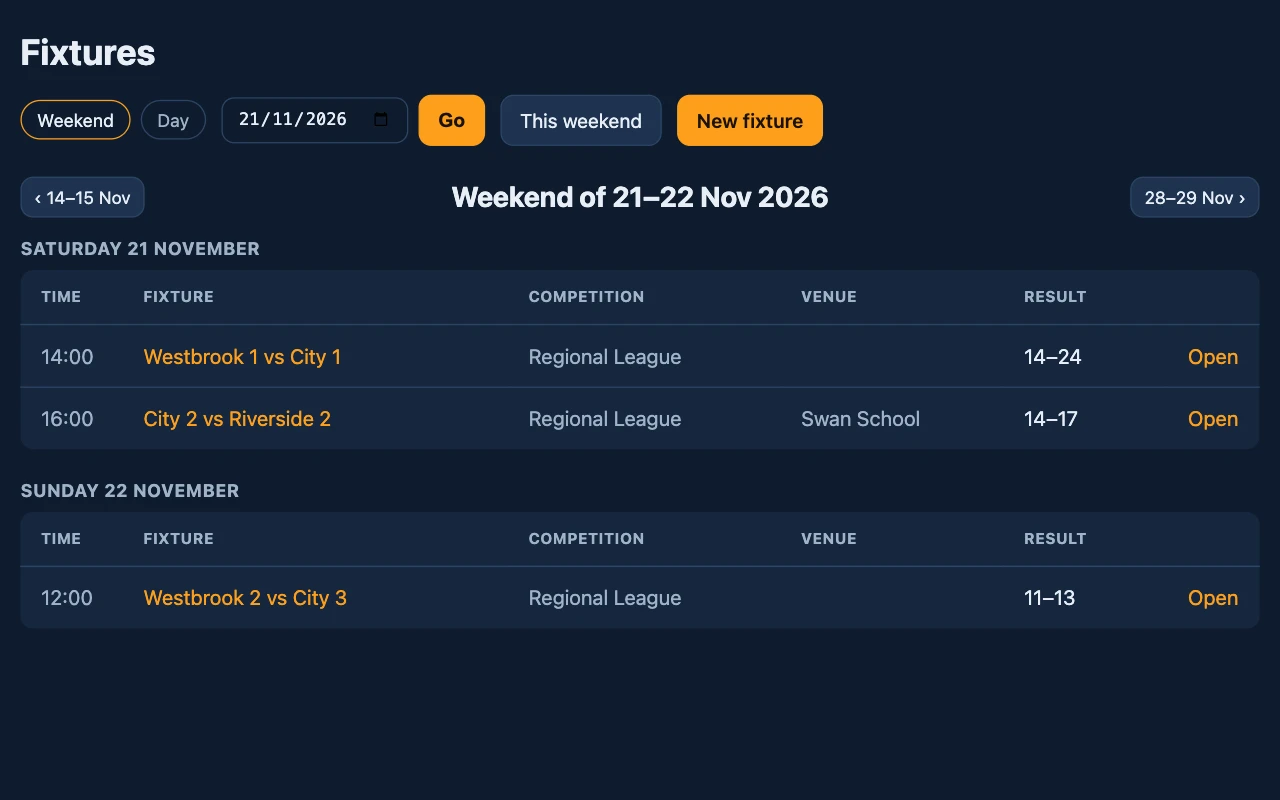
Fixtures by the weekend
Every match your club has entered, a weekend at a time, with a date picker that skips the empty ones.
- Halves or quarters, on any venue's court.
- Each club's fixtures are its own: other clubs see one only if you share it.
- A team's page lists its whole season.
Match day
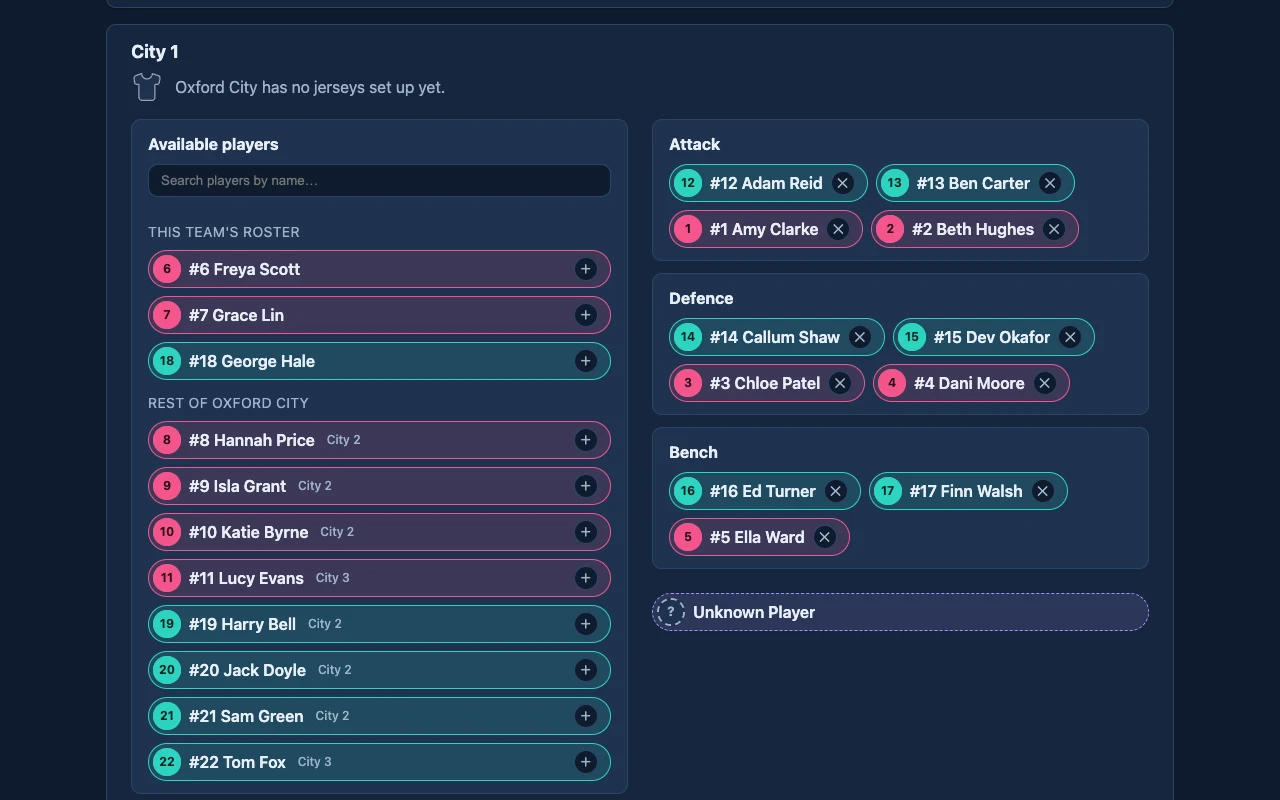
Squads and lineups
Pick who plays from your club, with the team's own roster first, and set out attack, defence and the bench.
- Anyone at the club can be picked for any of its fixtures.
- Substitutions during the match move the lineup on.
- The shirt number is the one worn on the day.
Match day
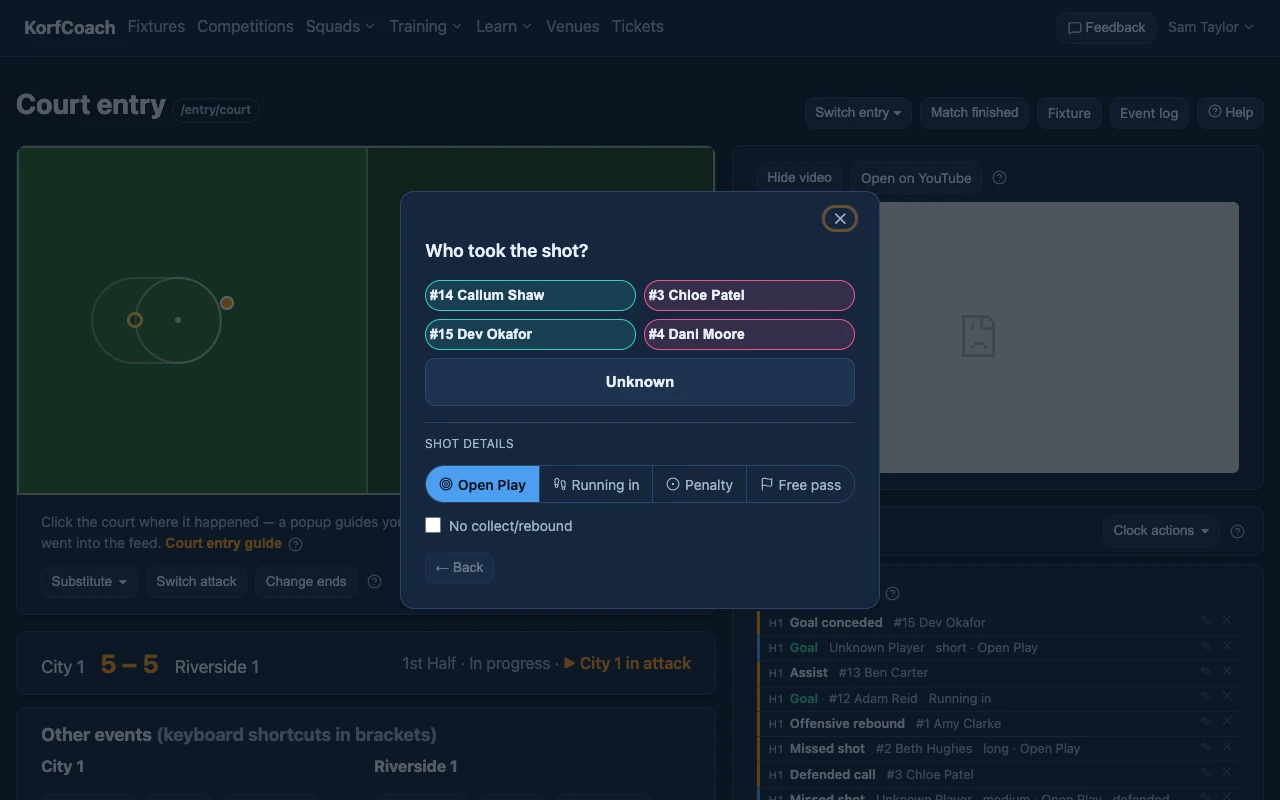
Court entry
Watch the match video and click where on the court a shot, feed or turnover happened. A popup asks who and how.
- The shot's range comes from where you click.
- A goal asks for the assist, a miss for the rebound, a defended shot for the defender, a turnover for who won the ball.
- The video pauses while you log and plays on after.
Match day
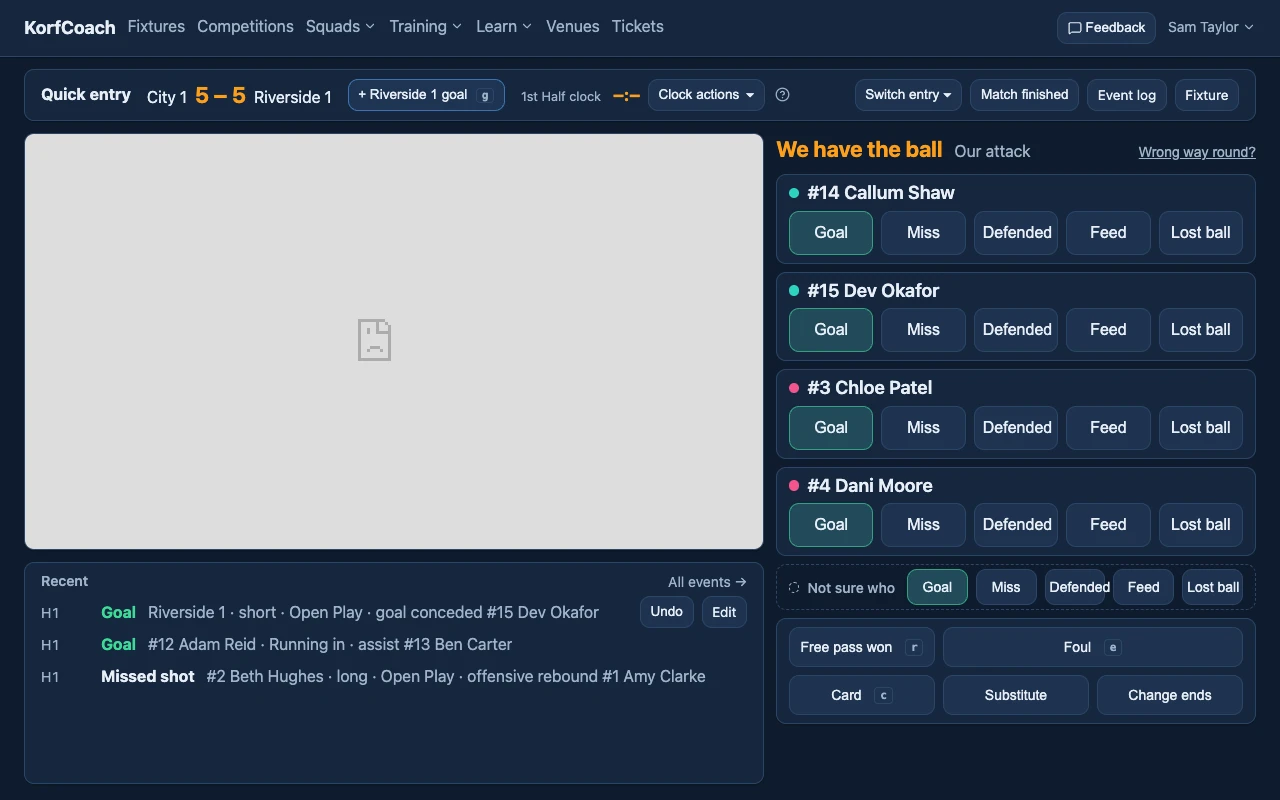
Quick entry
Your team's events beside a big video, with no court: a card for each of your four with the ball. Tap who, then what.
- Goal, Miss and Defended go straight to how far out, Lost ball to how.
- In defence the cards offer Intercept, Def. rebound, Defended and Foul.
- The other team's goals, free passes and penalties are a button each.
Match day
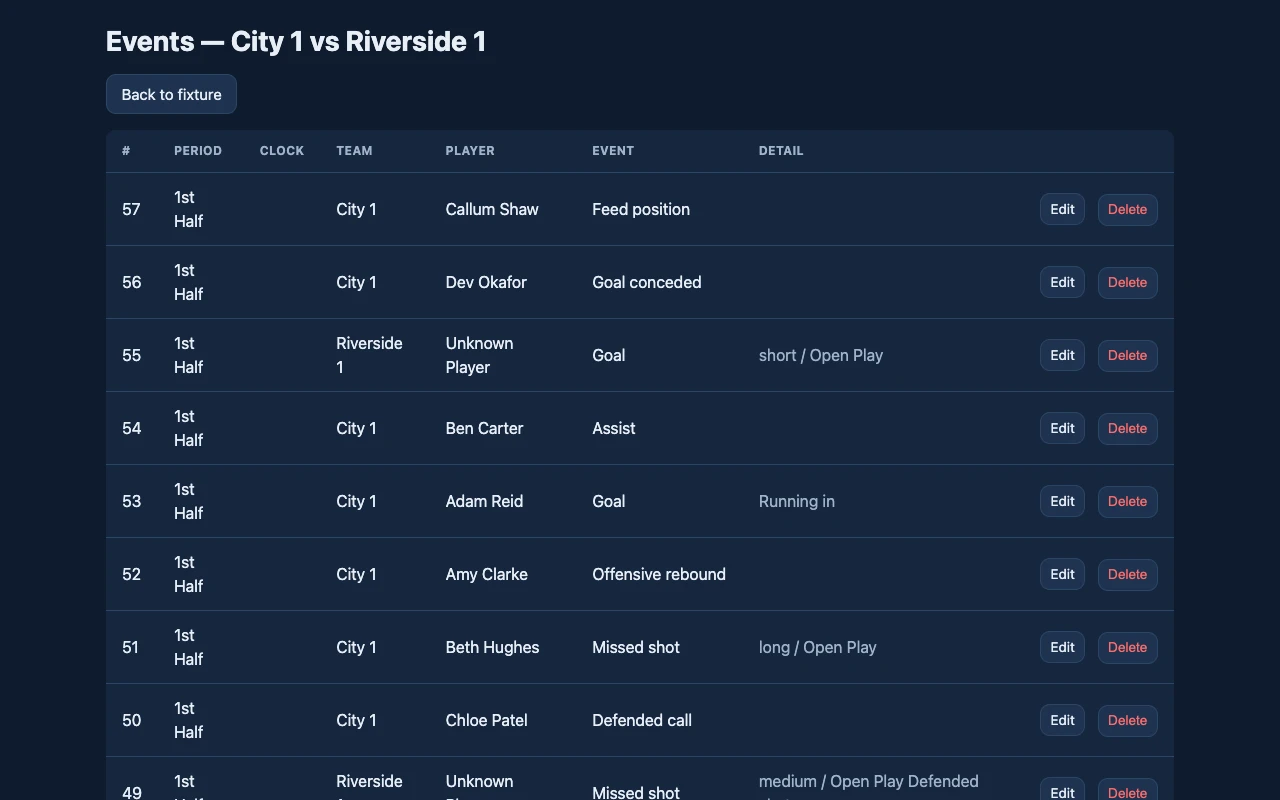
Event log
Every event of a match in order, to check it, correct it or delete it.
- Fix a player, range or shot type after the match.
- The score and every stat follow the log.
Match day
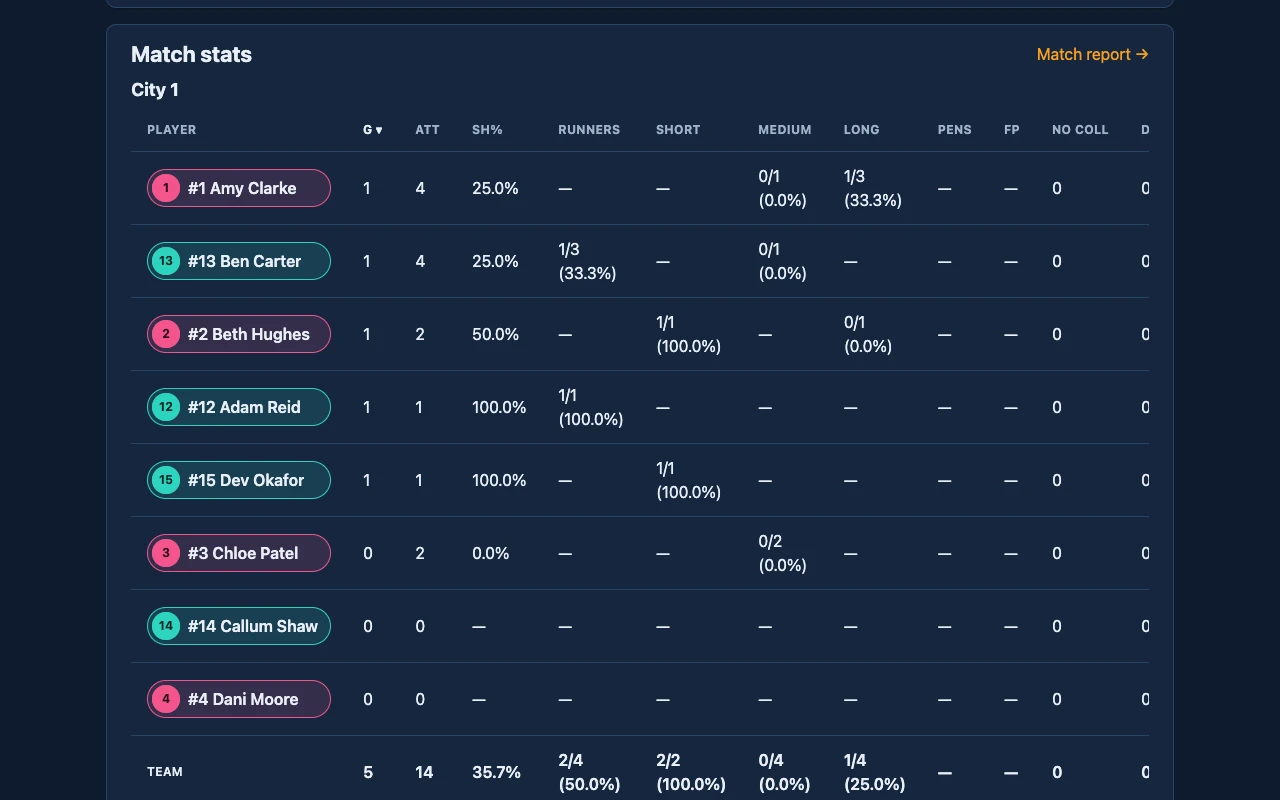
Match stats
Each player's goals, shooting by range, assists, feeds, rebounds, turnovers and goals conceded, on the fixture's page as the match goes on.
- A table for each team, with a team total.
- Sort by any column.
Match day
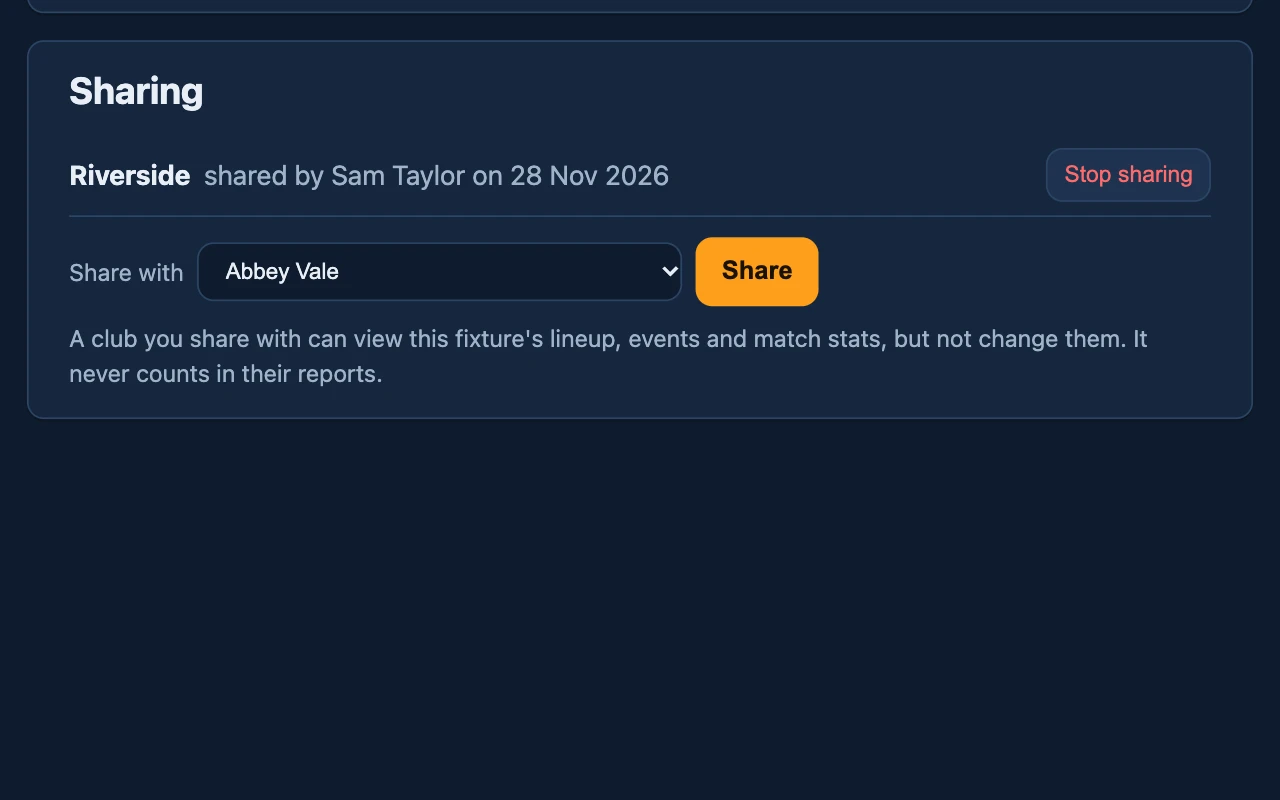
Share or copy a fixture
Let another club view a fixture you entered, or copy it so someone else can enter the same match.
- A shared fixture is view-only, and never counts in the other club's reports.
- Copies are told apart by a tag, and start with no events.
- Two of your teams playing each other? Enter each team on its own copy, at the same time, and each team's reports count the match once.
Reports
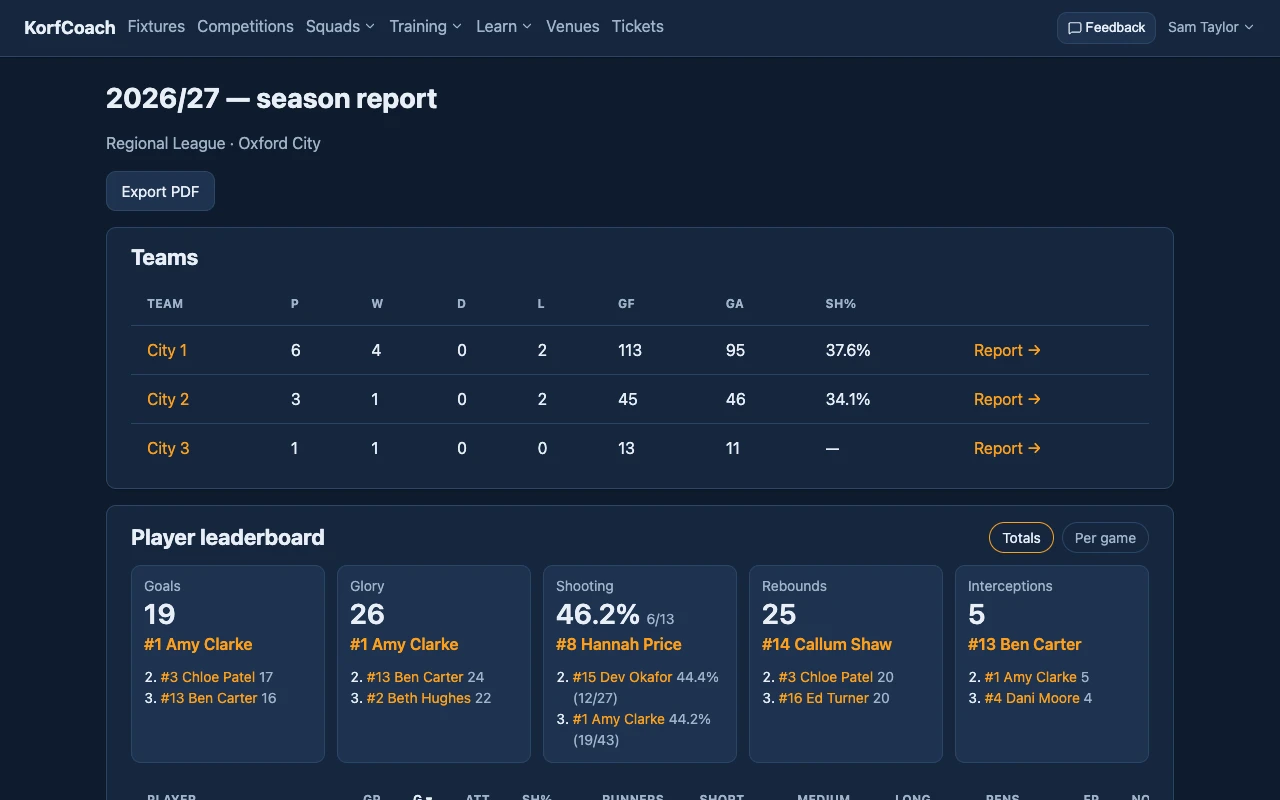
Season report
Your club's season: each team's record and shooting, and leaderboards for goals, Glory, shooting, rebounds and interceptions.
- Friendlies are reported apart.
- Only your club's own fixtures count, so no match counts twice.
Reports
Team report
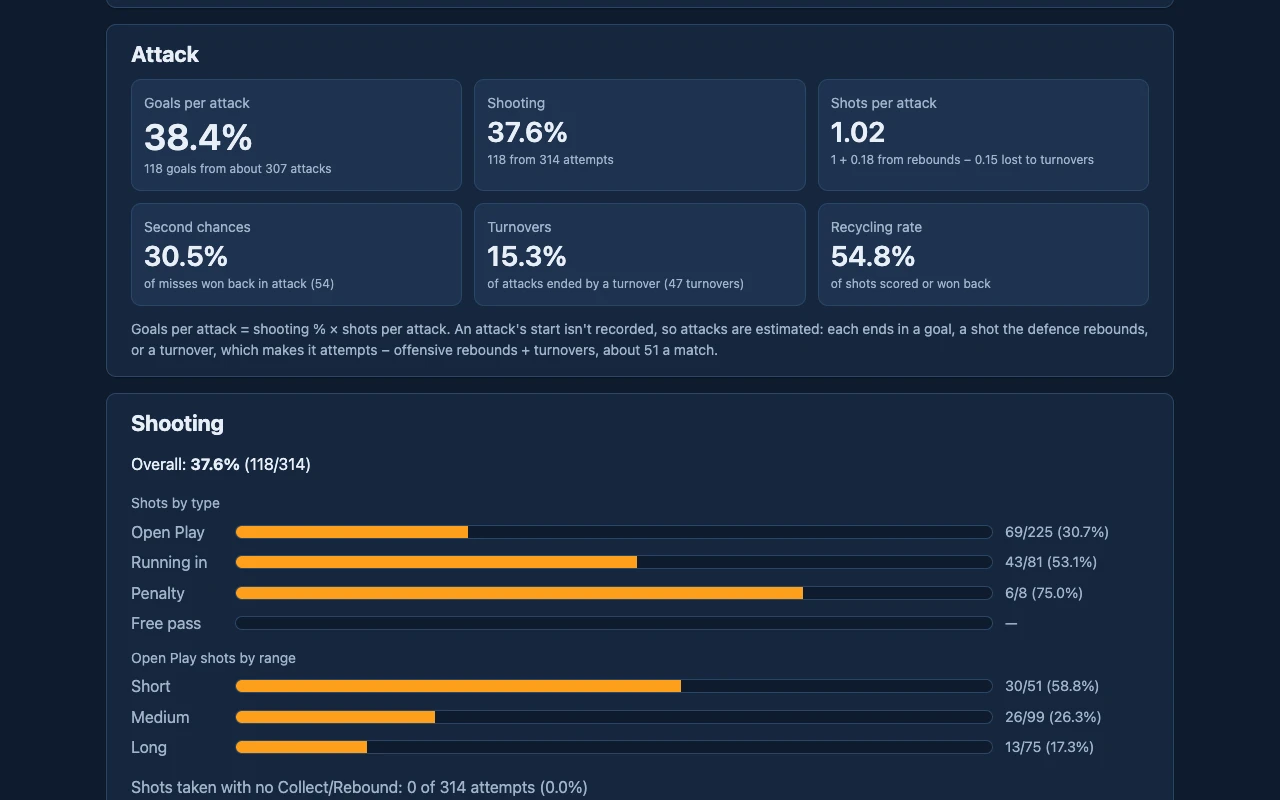
How a team attacks: goals per attack, second chances, turnovers and the recycling rate, with shooting by range.
- Attacks are estimated the same way for every match.
- Penalties and free passes, awarded and conceded, and shooting from each.
- Share it by link for up to a year, so players can follow their season without an account.
Reports
Game log and form
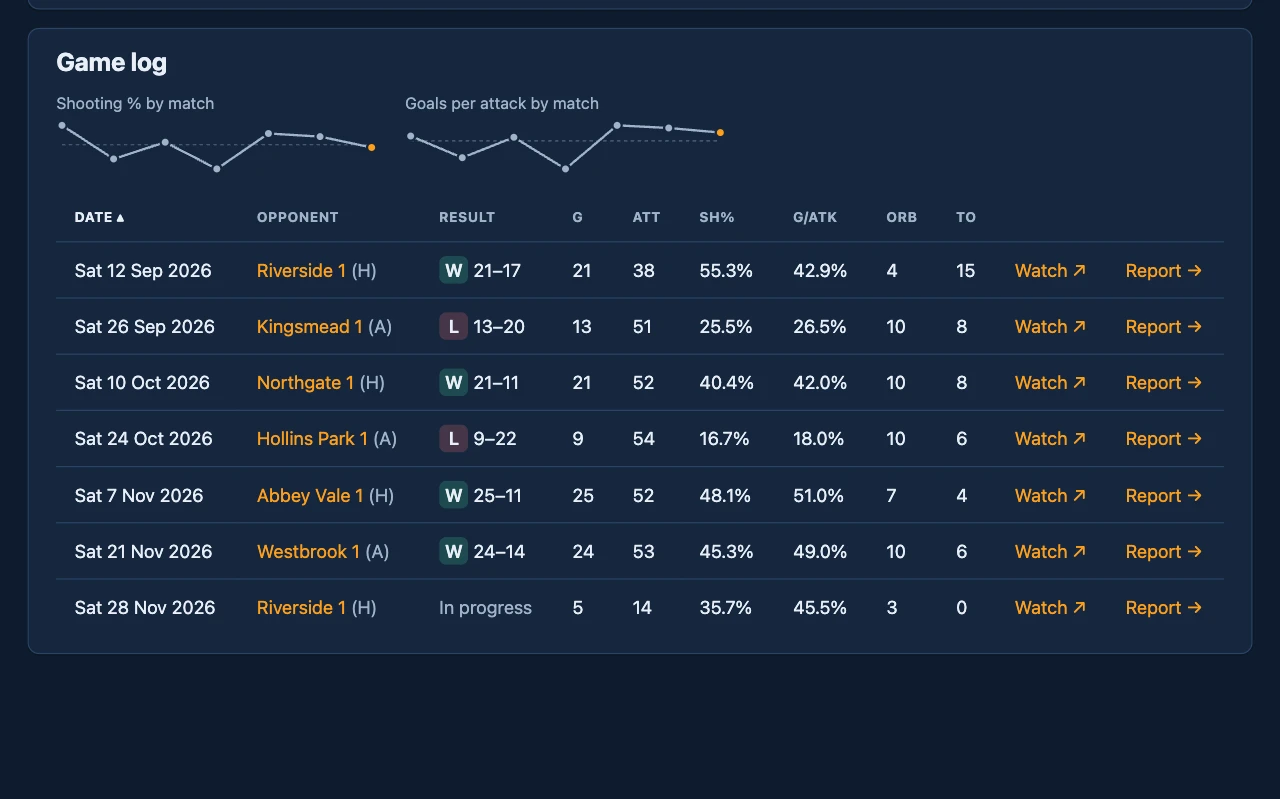
A row for every match, with the result and the numbers behind it, under form lines for shooting and goals per attack.
- The dashed line is the season average.
- Each match links to its recording.
Reports
Match report
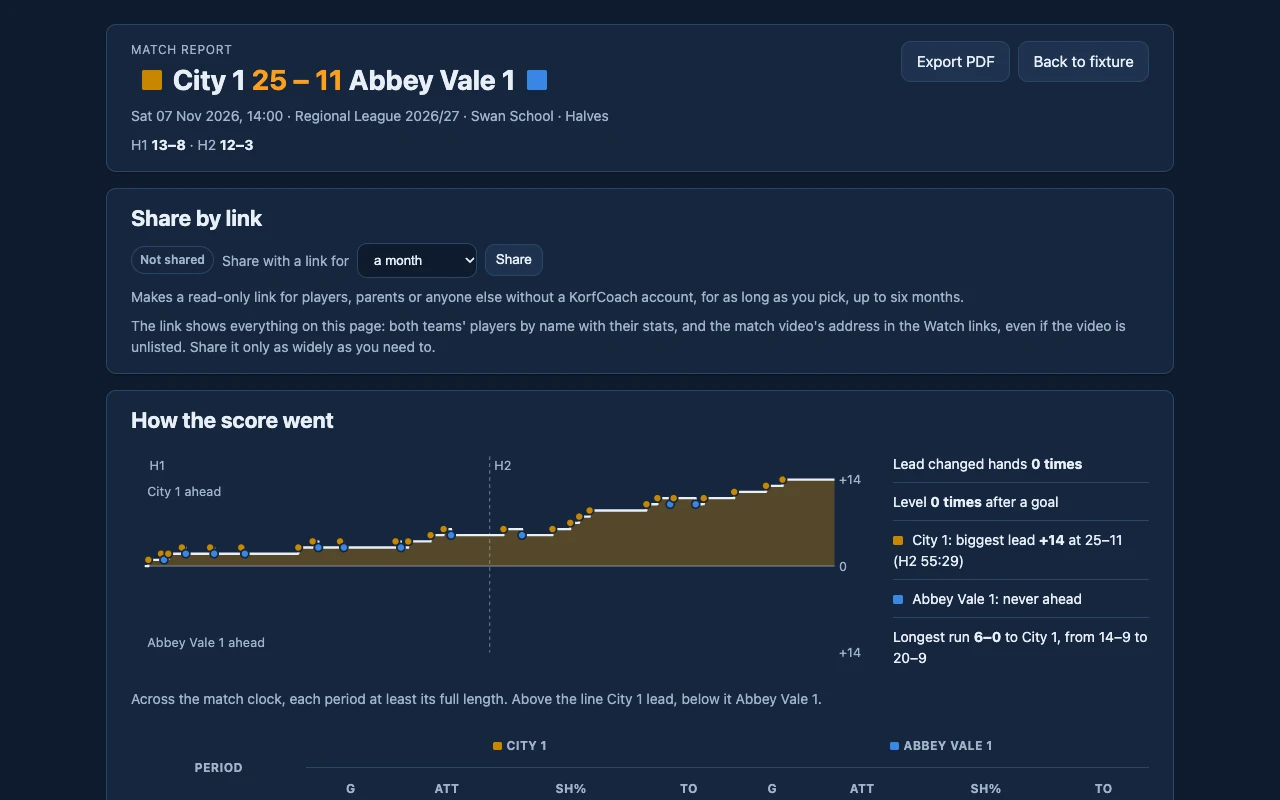
One match, both teams side by side: how the score went, the two division duels, where the shots came from, and every goal, card and turnover with a link to it in the video.
- Export it as a PDF, or share a link with anyone for up to six months.
- Each team's Attack four against the other's Defence four, scored like a match of its own.
- Why the ball was lost: interceptions, bad passes, footwork and more.
Reports
Player tables
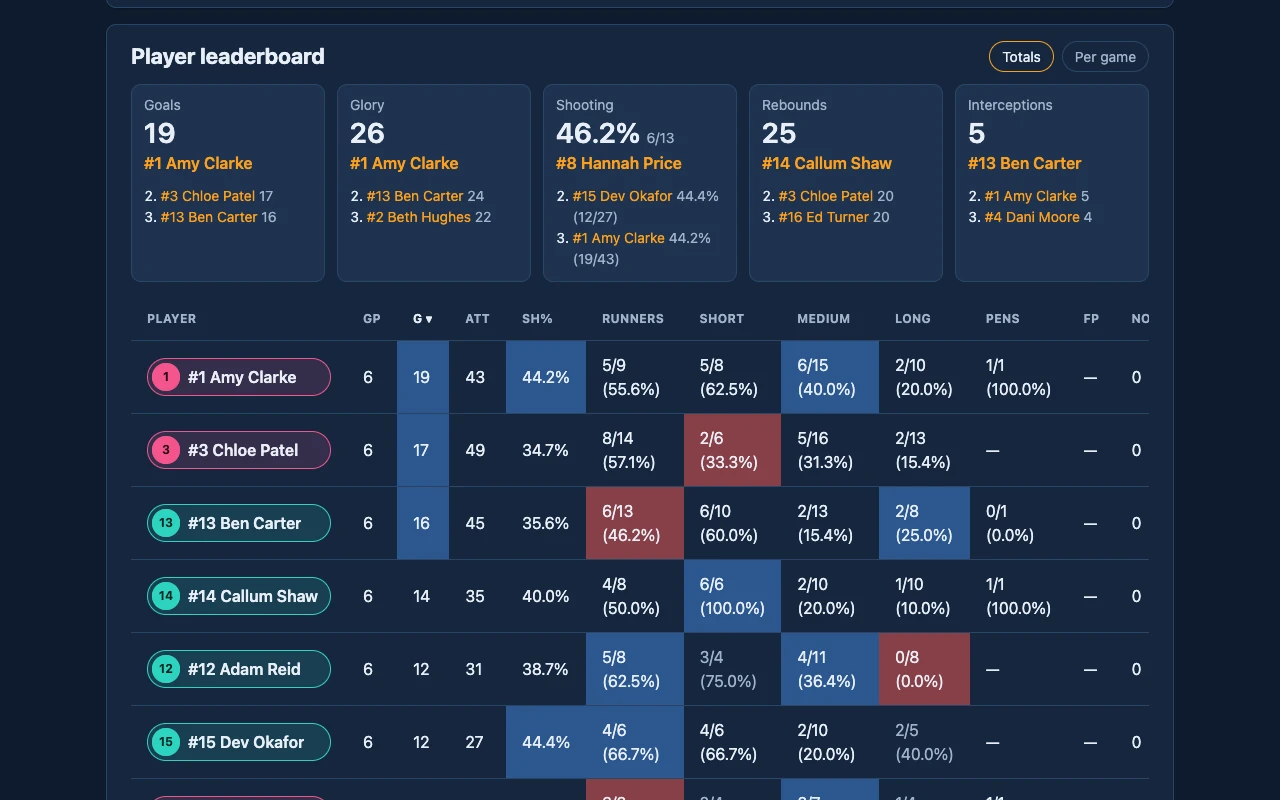
Every player's numbers in one table: sort by any column, and switch between totals and per game.
- The squad's best and lowest fifth are shaded.
- Percentages rank only players with enough attempts.
- Glory is goals plus assists.
Reports
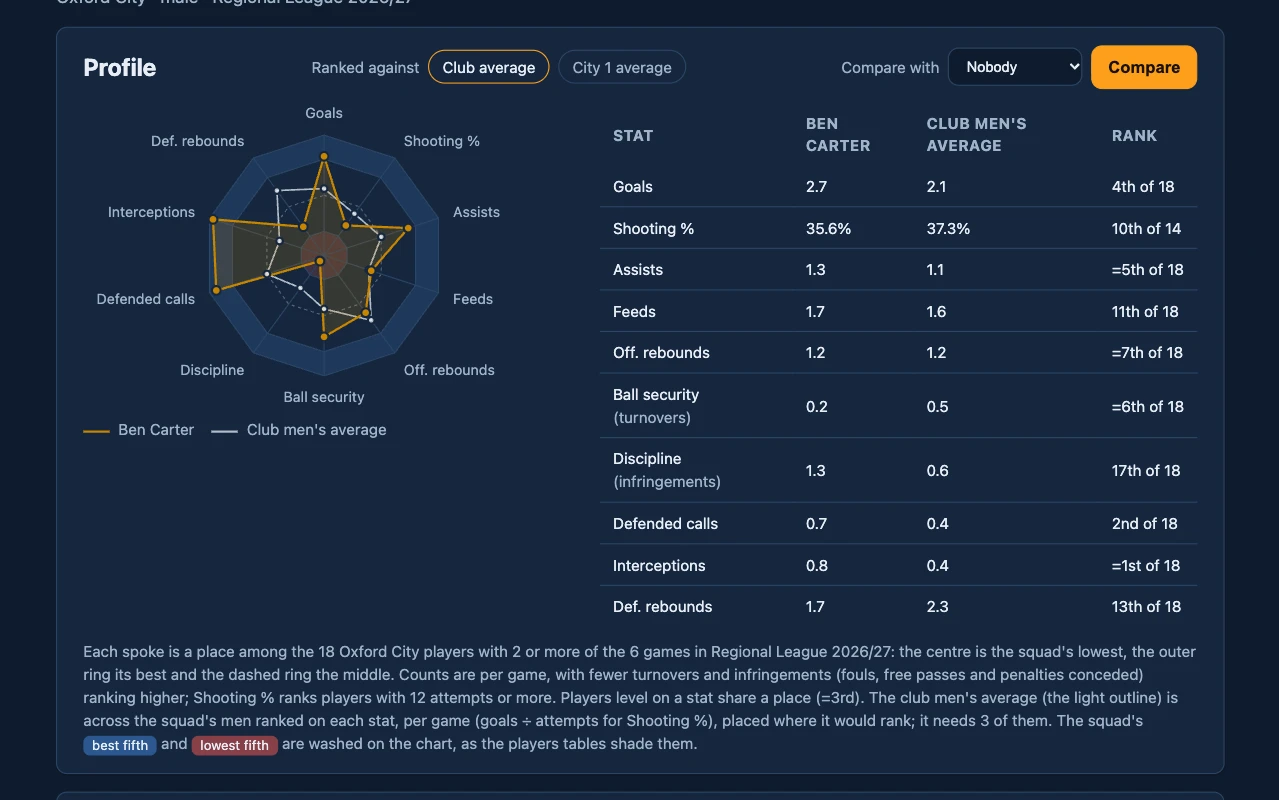
Player profile
A radar of where a player ranks in the squad on ten measures, from goals and feeds to interceptions and rebounds.
- Drawn against the average for their gender.
- Ranked against the whole club, or a team they played for.
- Career stats below: lifetime, per club and per season.
Reports
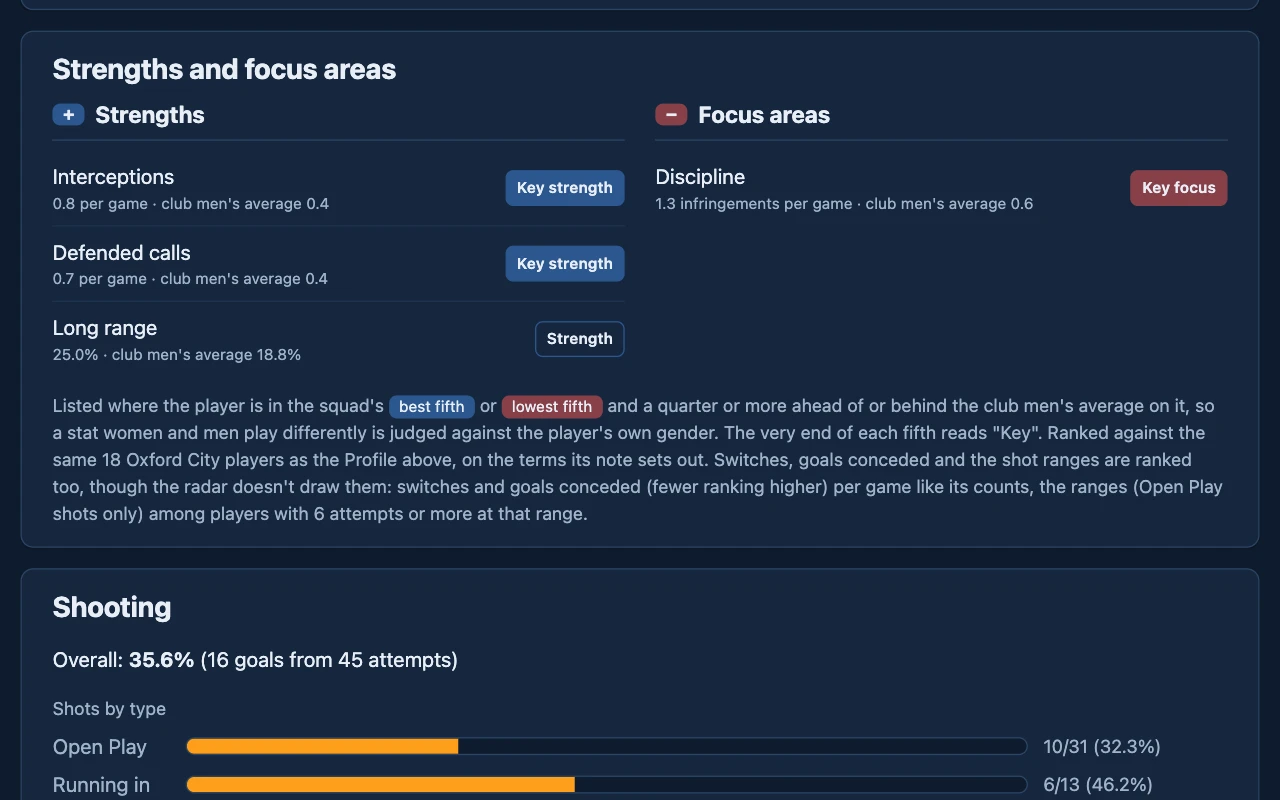
Strengths and focus areas
Where a player stands out from the squad, either way, held to the average for their gender.
- Only the best and lowest fifth, and only a quarter or more from that average.
- Includes shooting from short, medium and long range.
Reports
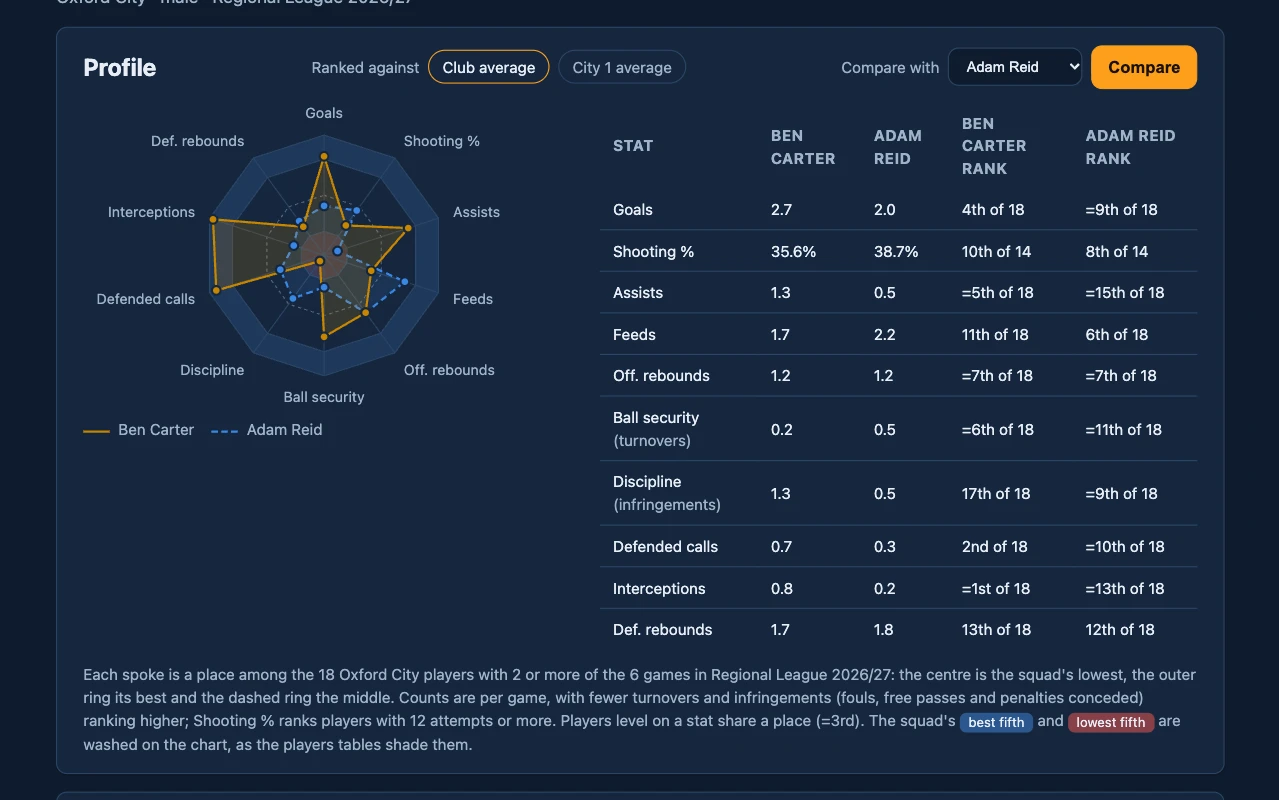
Compare two players
Draw another player from the squad on the same radar, with both players' ranks side by side.
- Anyone ranked in the same squad can be picked.
Reports
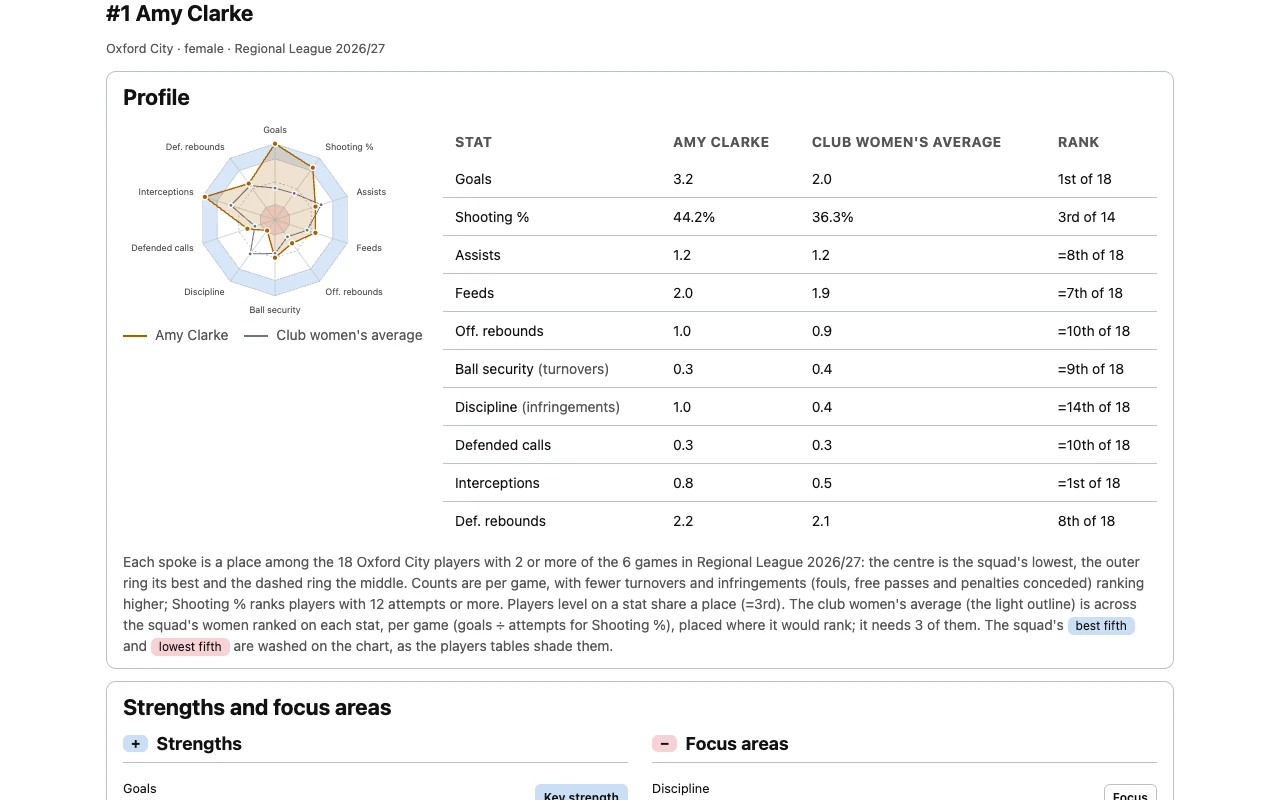
Season pack PDF
Export PDF on a team or season report: the report, then a page for every player, saved as one PDF from your browser's print dialog.
- Only players whose report you can read get a page.
- Printed light, with the shading kept.
Squads
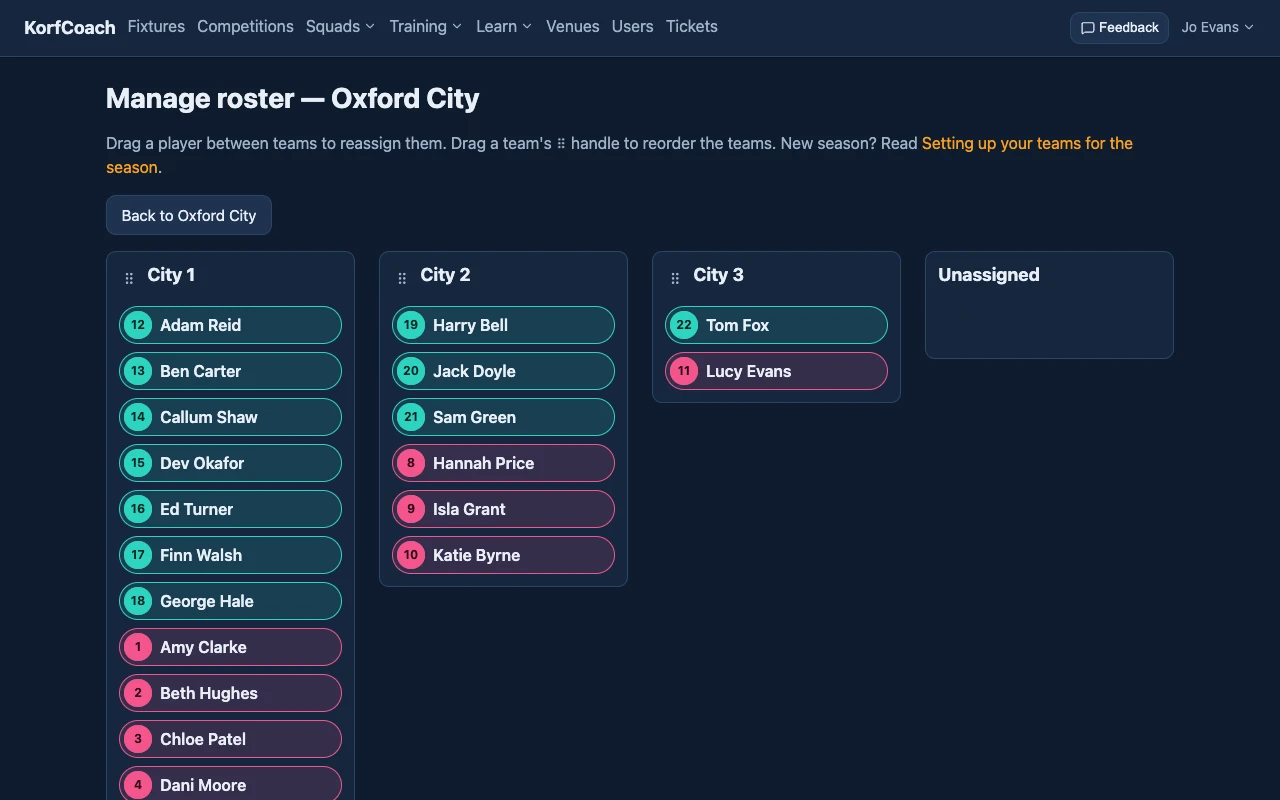
Team rosters
Drag players between your club's teams at the start of the season, and move them as it goes on.
- Drag a team's handle to reorder the teams.
- Rosters group the squad picker; they don't limit who plays.
Squads
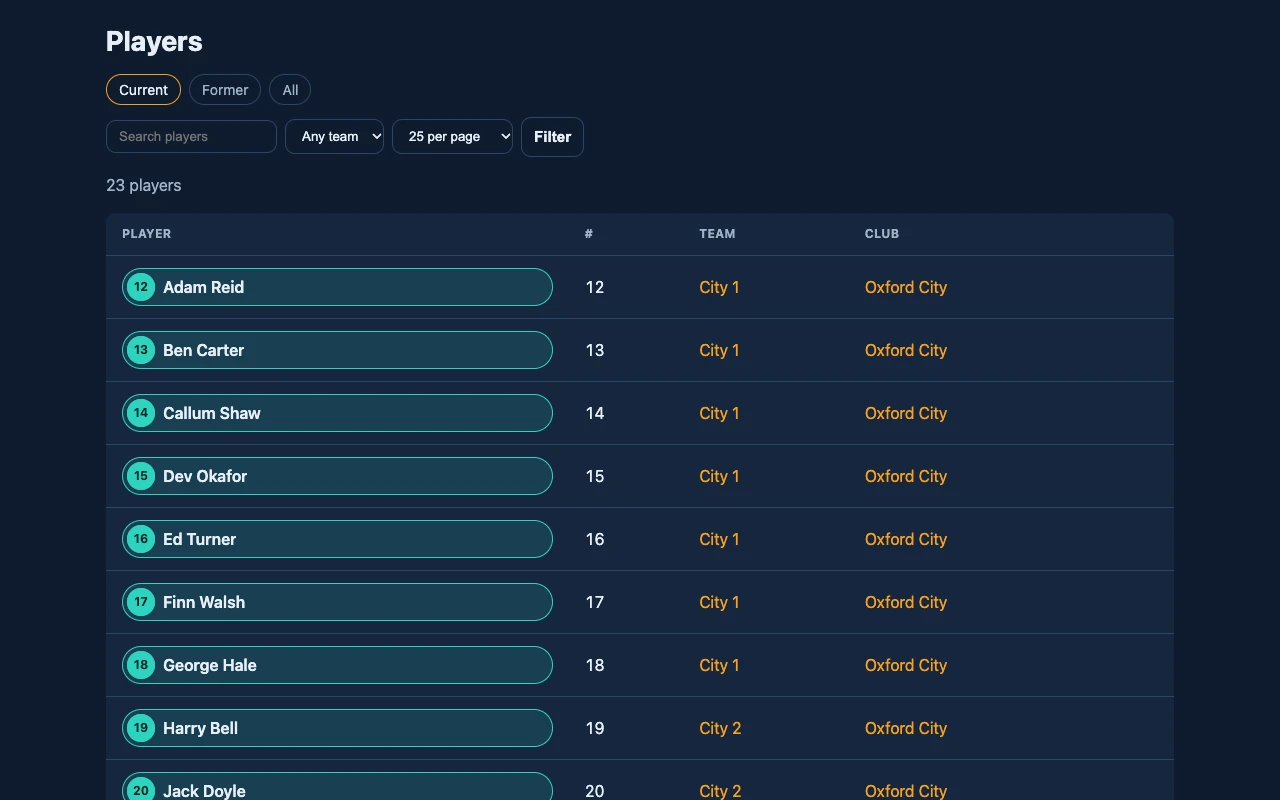
Players and transfers
Your club's players, to search and filter, with former players kept.
- Shirt numbers and teams belong to a player's time at a club.
- A player who moves on leaves their stats with the club they played for.
Squads
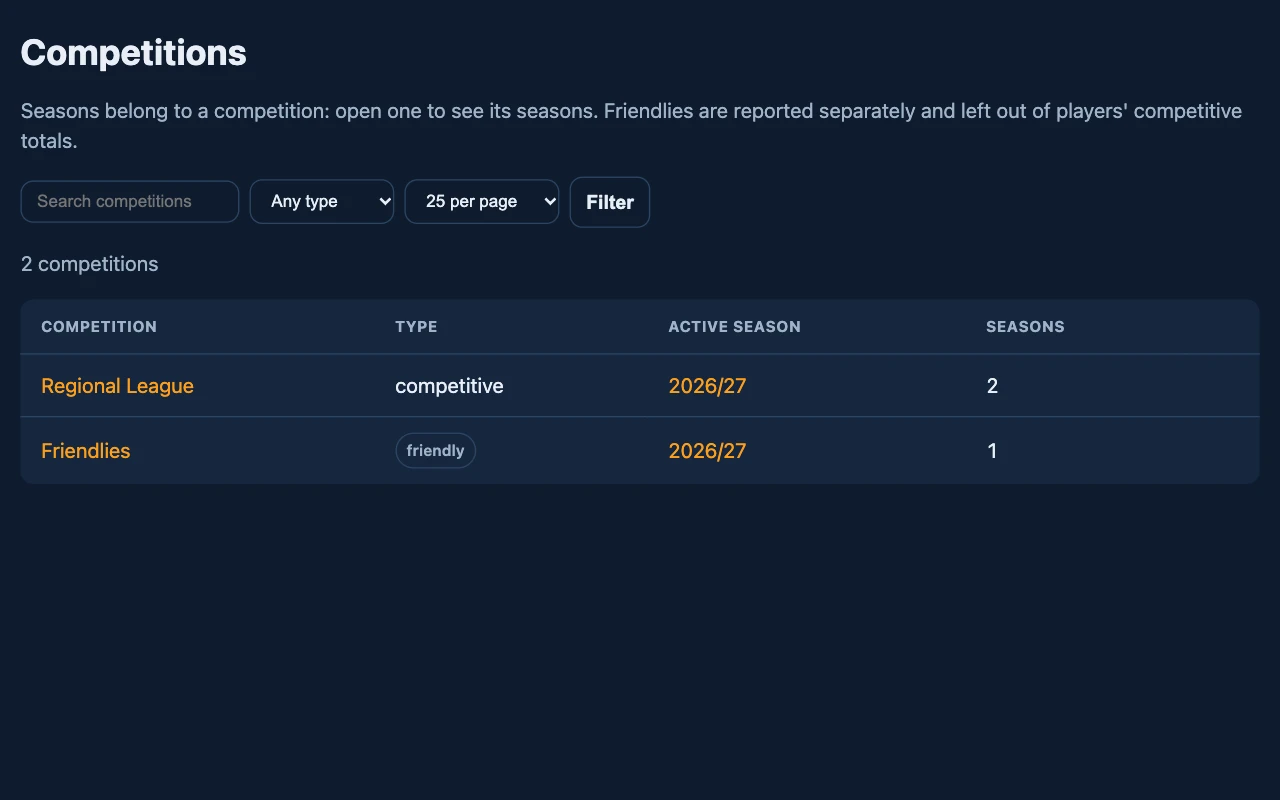
Competitions and seasons
Leagues and friendlies, each with its seasons, one of them active at a time.
- Friendlies are left out of competitive totals.
Squads
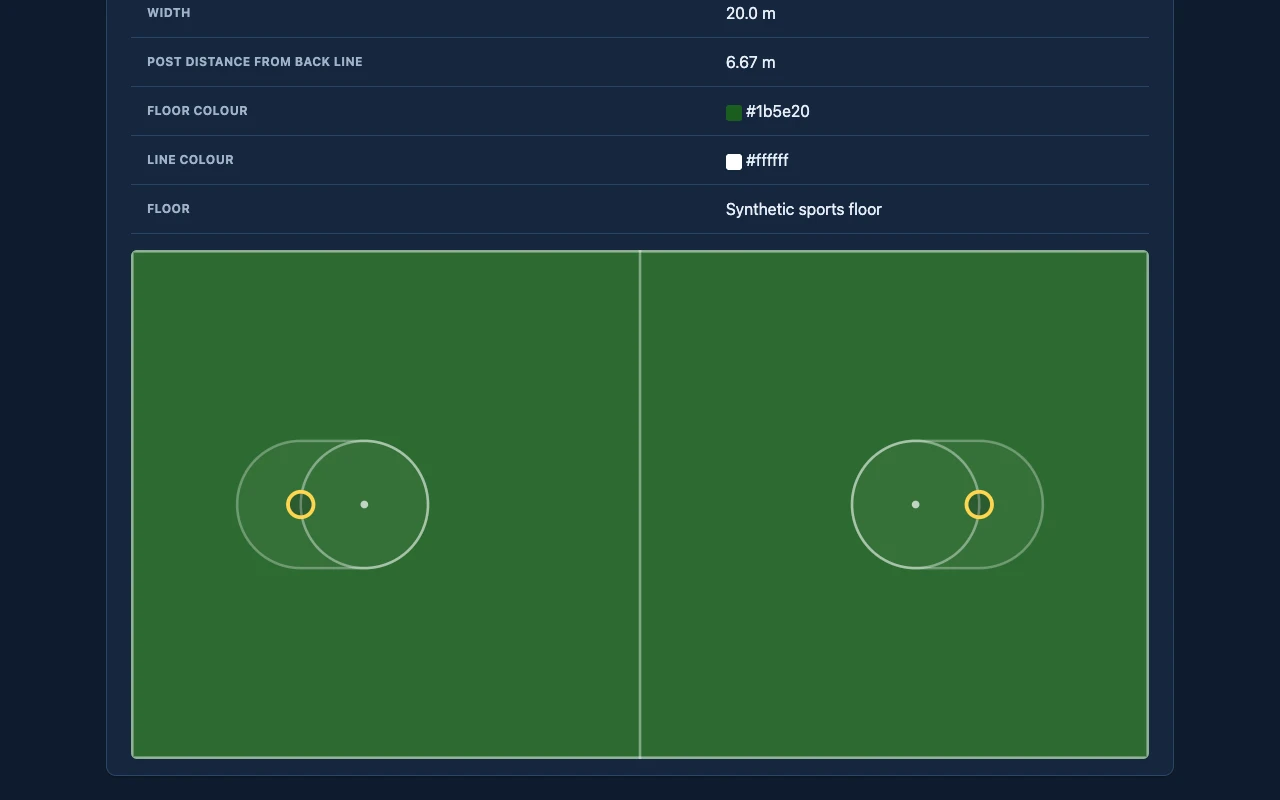
Venues and courts
Each court's size, post distance and colours, drawn as it really looks.
- Court entry and drills use the court's own size, colours and markings.
- Add the hall's other lines (basketball, netball, badminton…), drawn faintly under court entry as landmarks.
Training
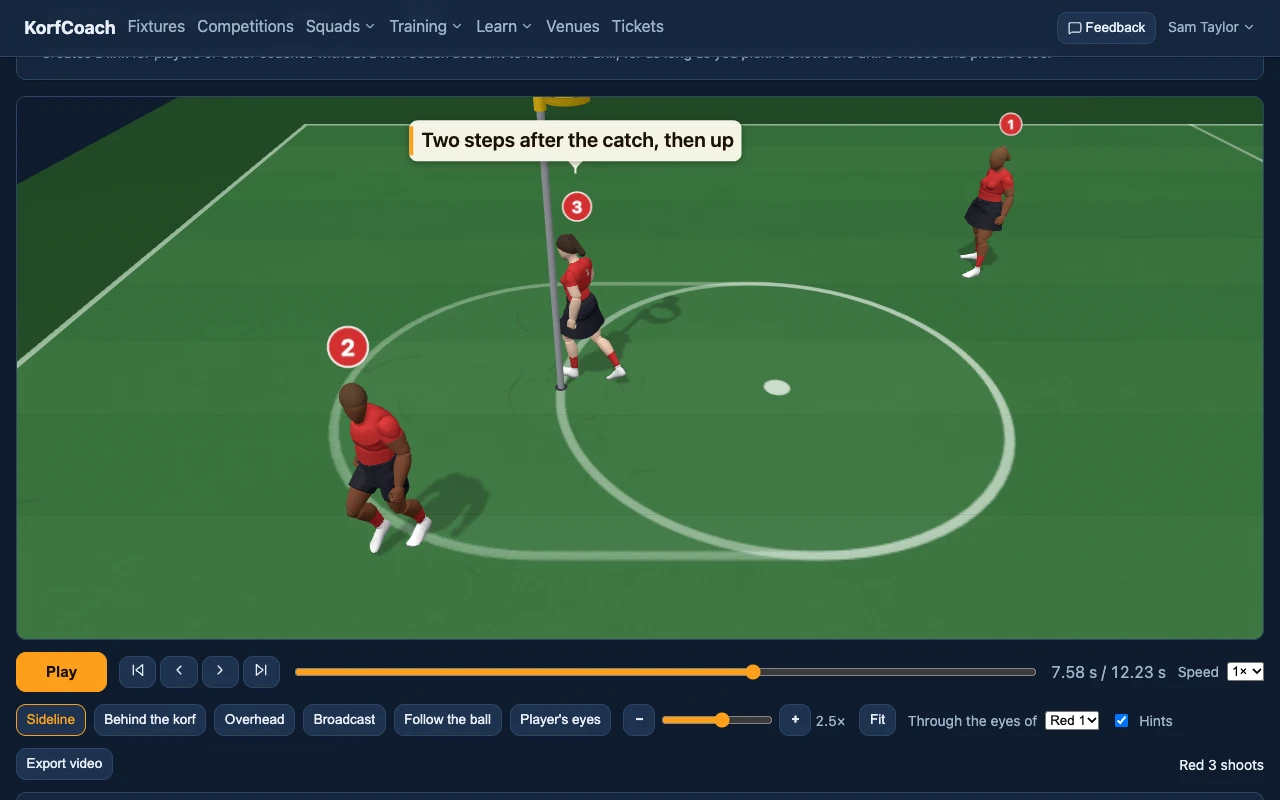
Drills on a 3D court
Give each player their moves, passes and shots, and watch the drill play out on a 3D court with animated players.
- Start from a blank court or a template, or put eight players round the post in a click.
- Defenders mark, close out shots and cut out passes; running-in shots run onto the feed.
- Worth a look flags travelling, defended shots and passes a defender could reach.
- Watch from the sideline, overhead, behind the korf, or through a player's eyes.
Training
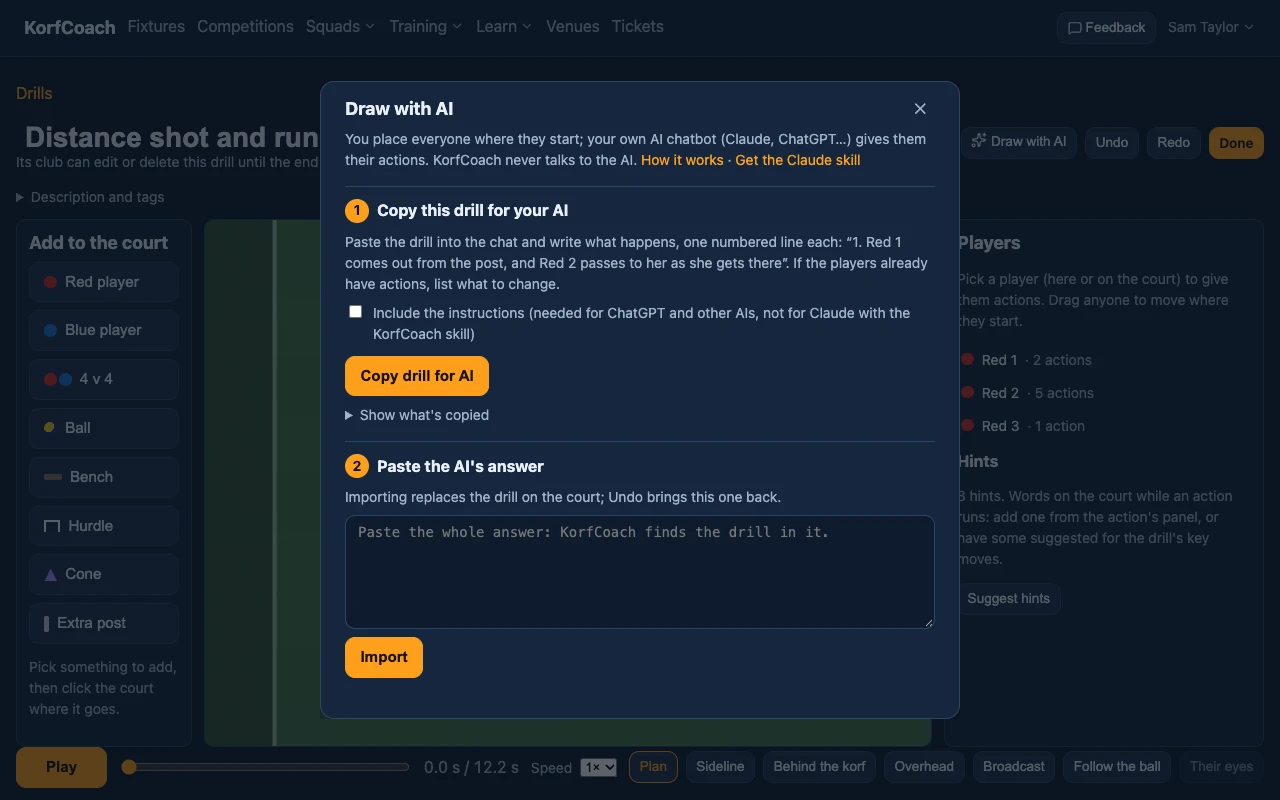
Draw with AI
Set out a drill, describe what happens to your own AI chatbot, and paste its answer back as the players' actions.
- Works with Claude, ChatGPT and others.
- Nothing is saved until you're happy: Undo brings the drill back.
- KorfCoach never sends anything to an AI itself.
Training
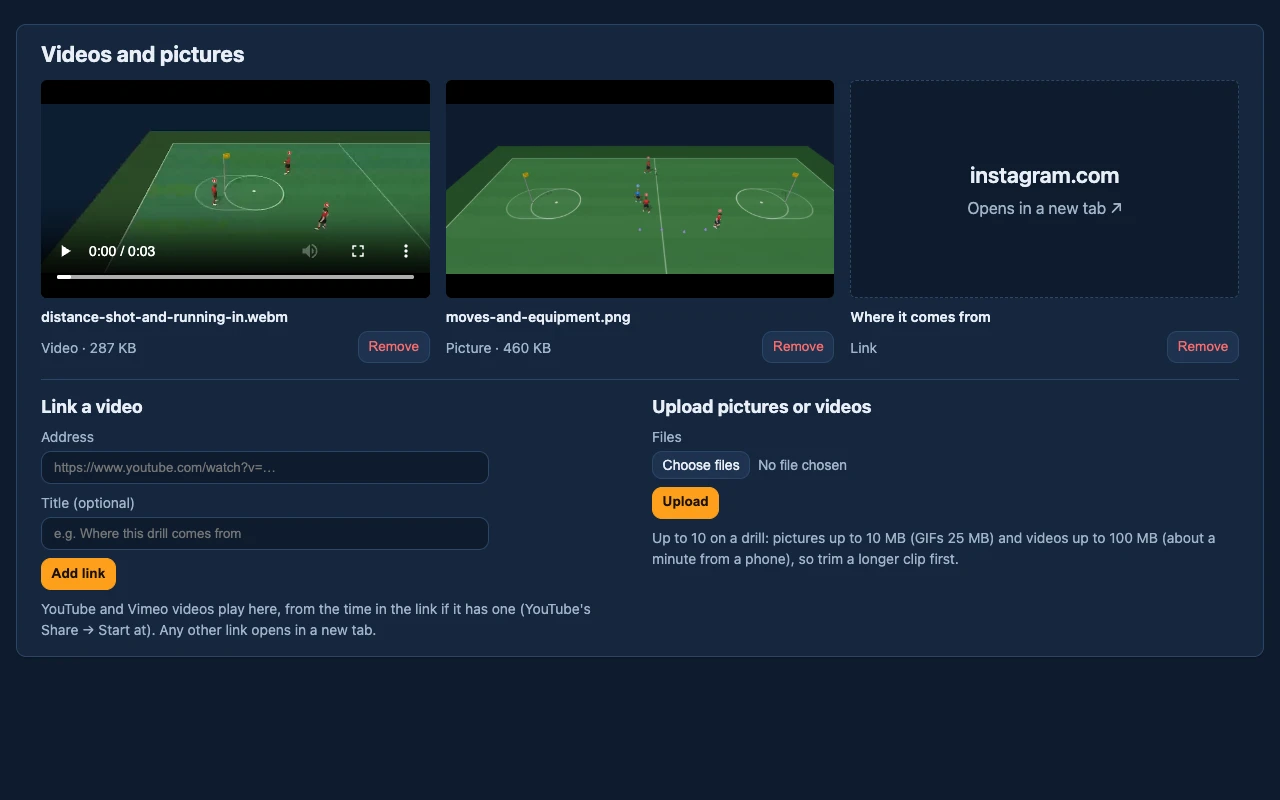
Videos and pictures
Link the YouTube or Vimeo video a drill comes from, and upload clips, GIFs and pictures of it being run.
- Linked videos play on the drill's page, from the time in the link.
- Share links show them too.
Training
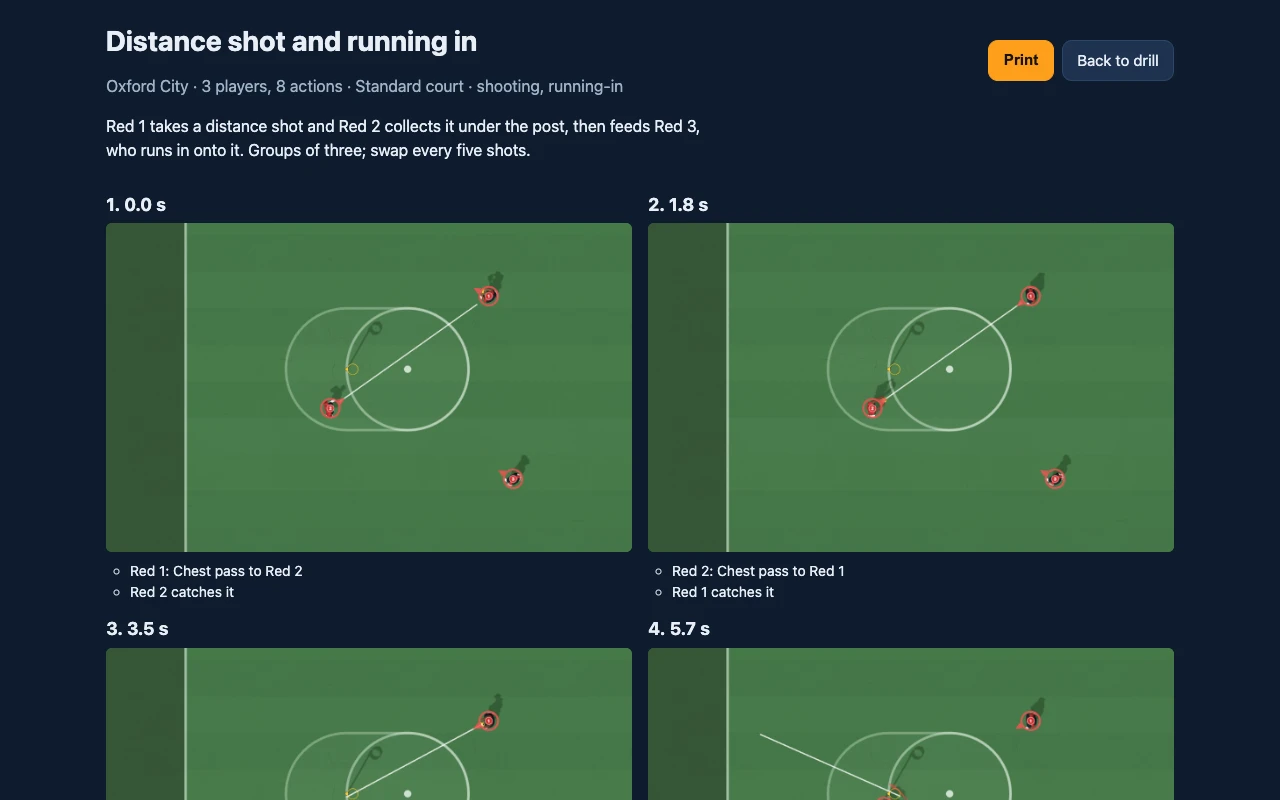
Print, share and export drills
A printable sheet of the drill's key moments, a link anyone can open without signing in, and a video to send round.
- Keep a drill to yourself until it's ready, then publish it.
- Ask players what should happen next with a quiz.
- Stop sharing at any time.
- Copy a drill to make a variation.
Training
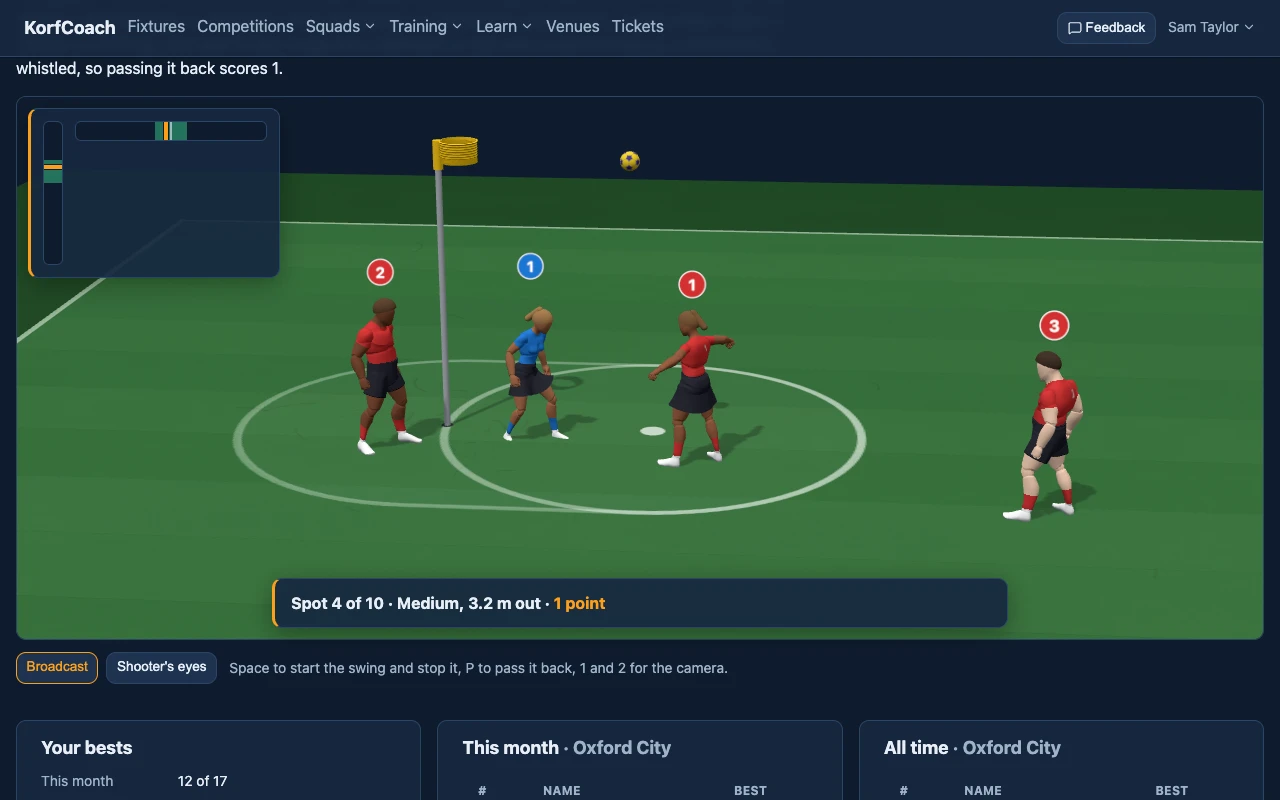
Games on the 3D court
Korfball skills to play on the drills' 3D court, with your club's leaderboards.
- Shooting: ten spots from short to long, a swing meter for power and aim, and a whistle for a shot taken defended.
- Attack: four against four round the post. Pass until a teammate breaks free, then shoot before their defender's back, with a collector at the post for the rebound, in easy or hard mode.
- Score 'n' Switch: your pair against the computer's at one post. The first goal of the two wins the point, then you switch. First to 10, in easy or hard mode.
- Your bests this month and all time, and where you stand at your club.
- Take yourself off the leaderboards whenever you like.
Training
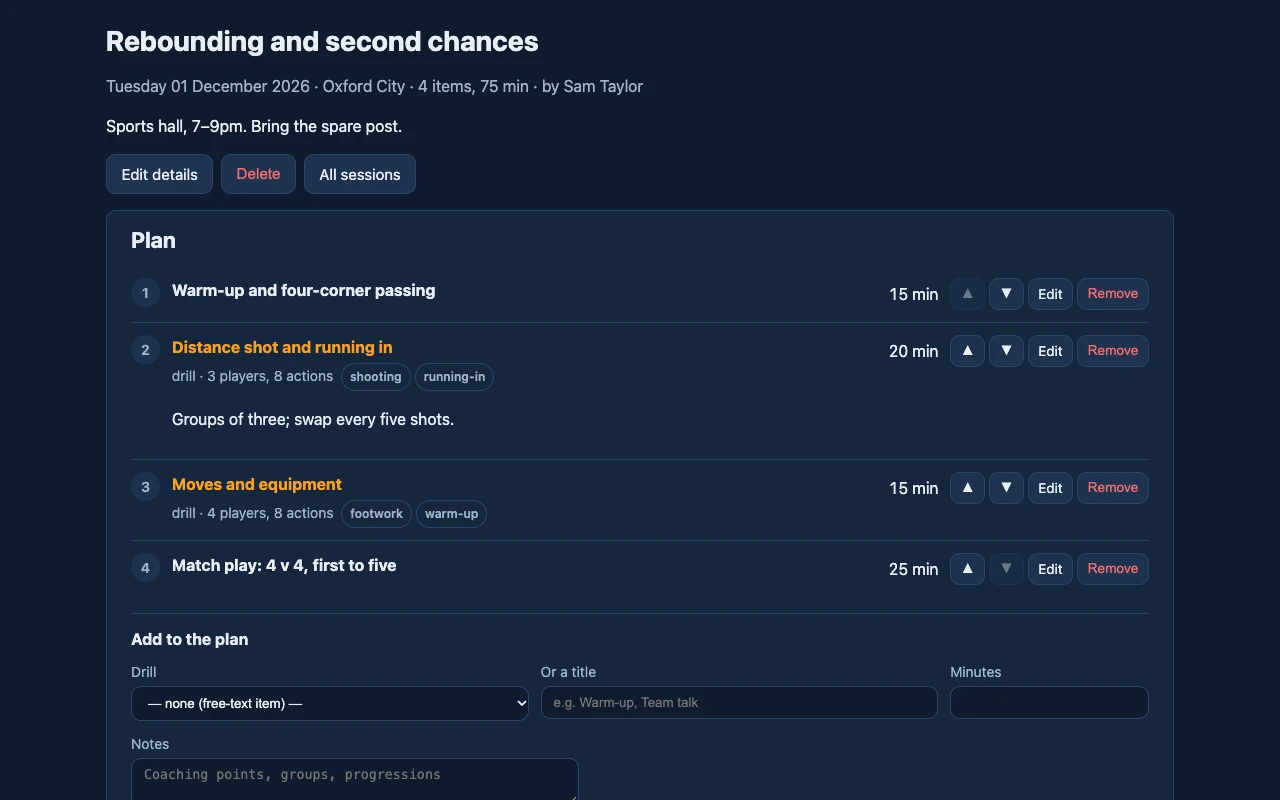
Training sessions
Plan a session from your drills and items of your own, with minutes for each and the total worked out.
- Move items up and down as the plan changes.
- Notes on each item for groups and progressions.
Notes and help
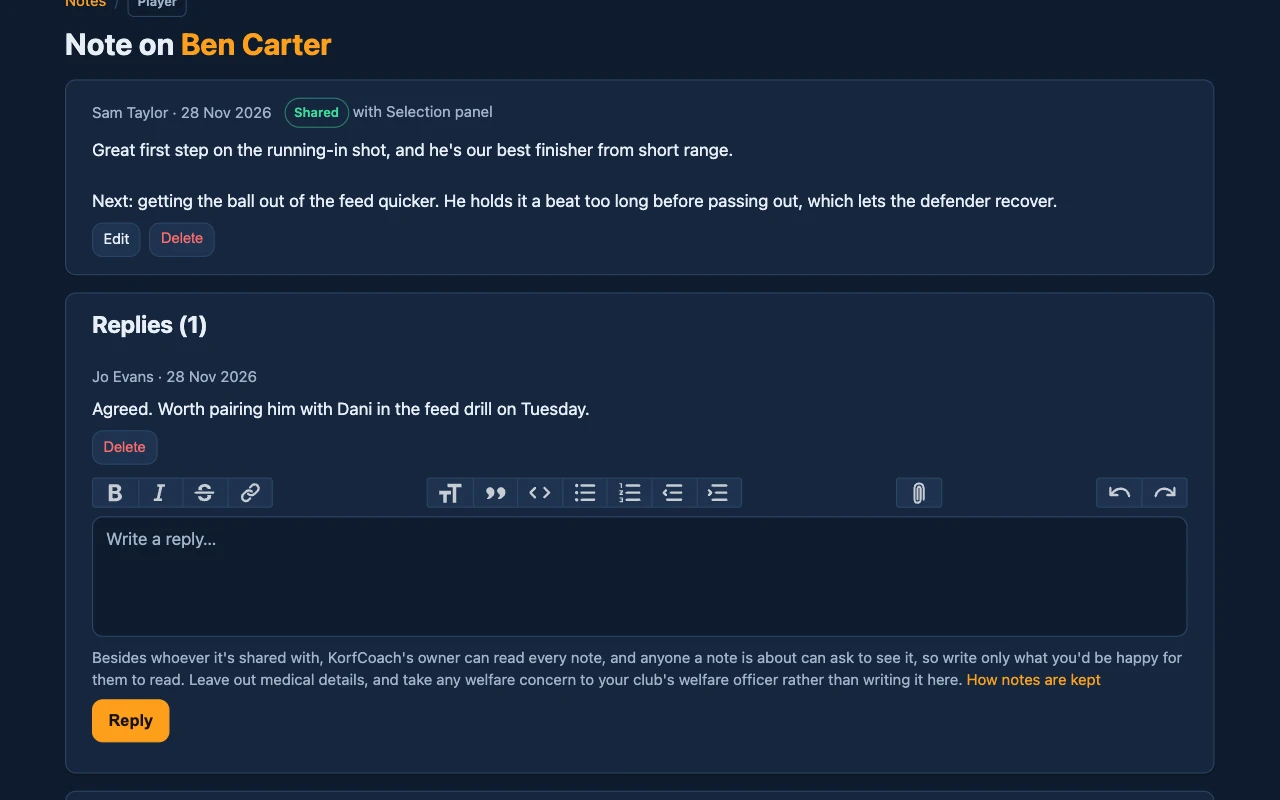
Coaches' notes
Private notes on a player, team, fixture or drill, with pictures and files.
- Only you (and KorfCoach's owner) can read a note until you share it.
- Share with a coach or a group, and they can reply.
Notes and help
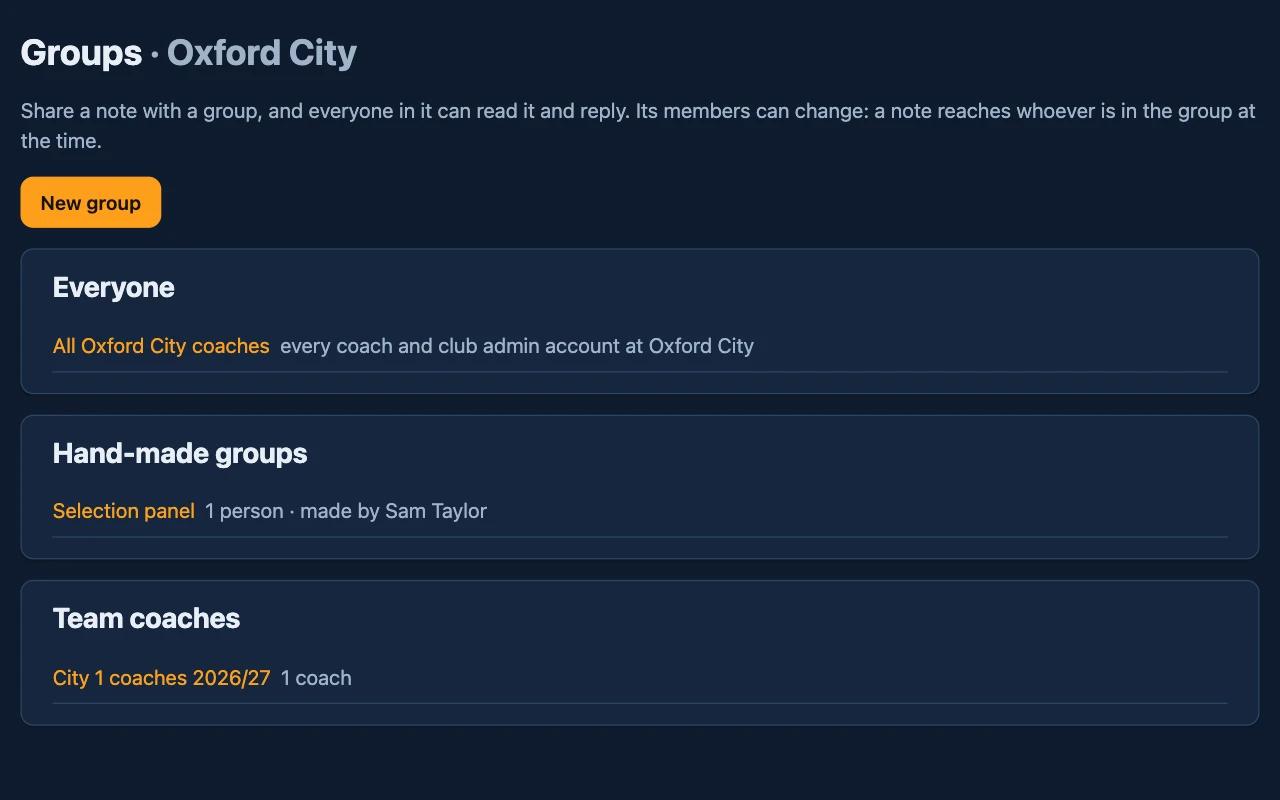
Groups and team coaches
Share a note with a group at once: all your club's coaches, a team's coaches this season, or a group you make.
- Name each team's coaches on the team's page.
- A note reaches whoever is in the group at the time.
Notes and help
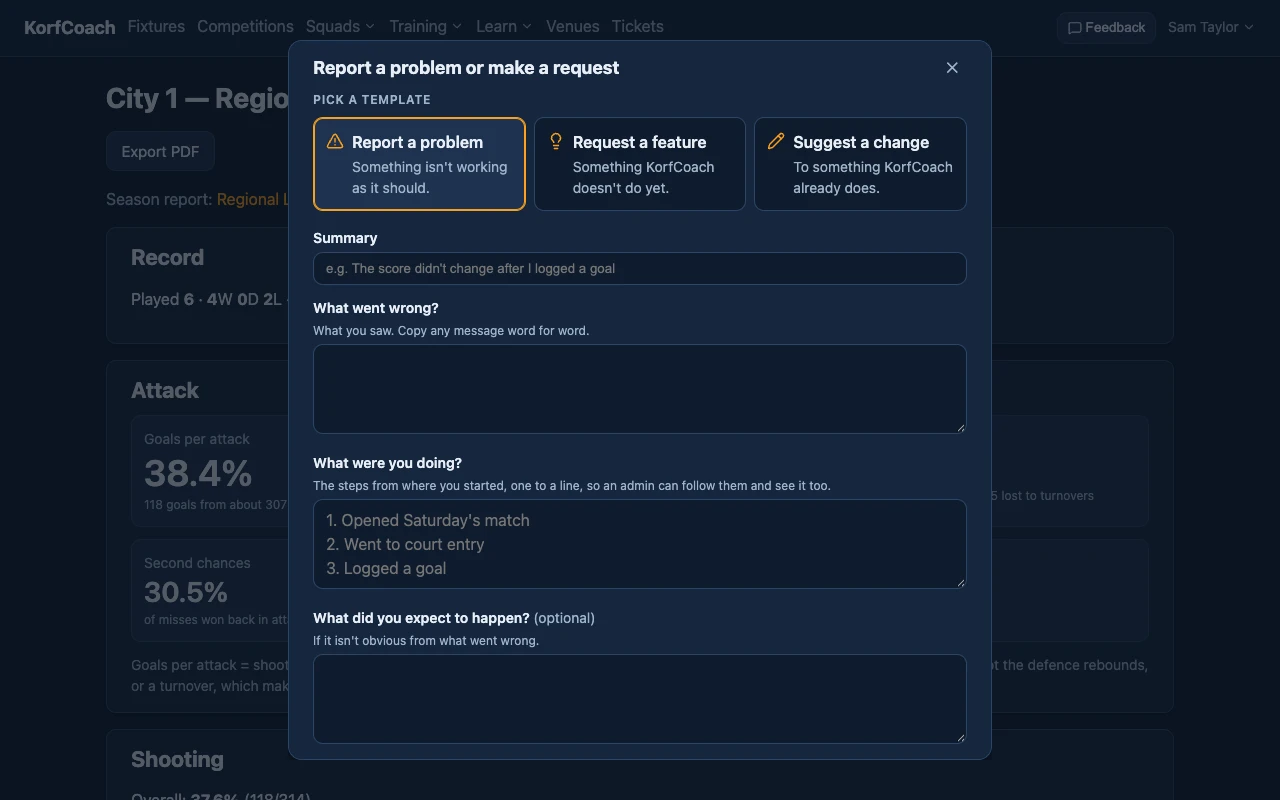
Report a problem or make a request
Tell the admins when something isn't working, ask for something KorfCoach doesn't do yet, or suggest a change, from Feedback on any page.
- A problem report asks what went wrong, the steps to see it, how often and how much it gets in your way.
- The page you were on goes with it, and your page stays as it was, video and all.
- Follow what you've sent under Tickets: whether each is still open, done or declined.
Notes and help
Awards
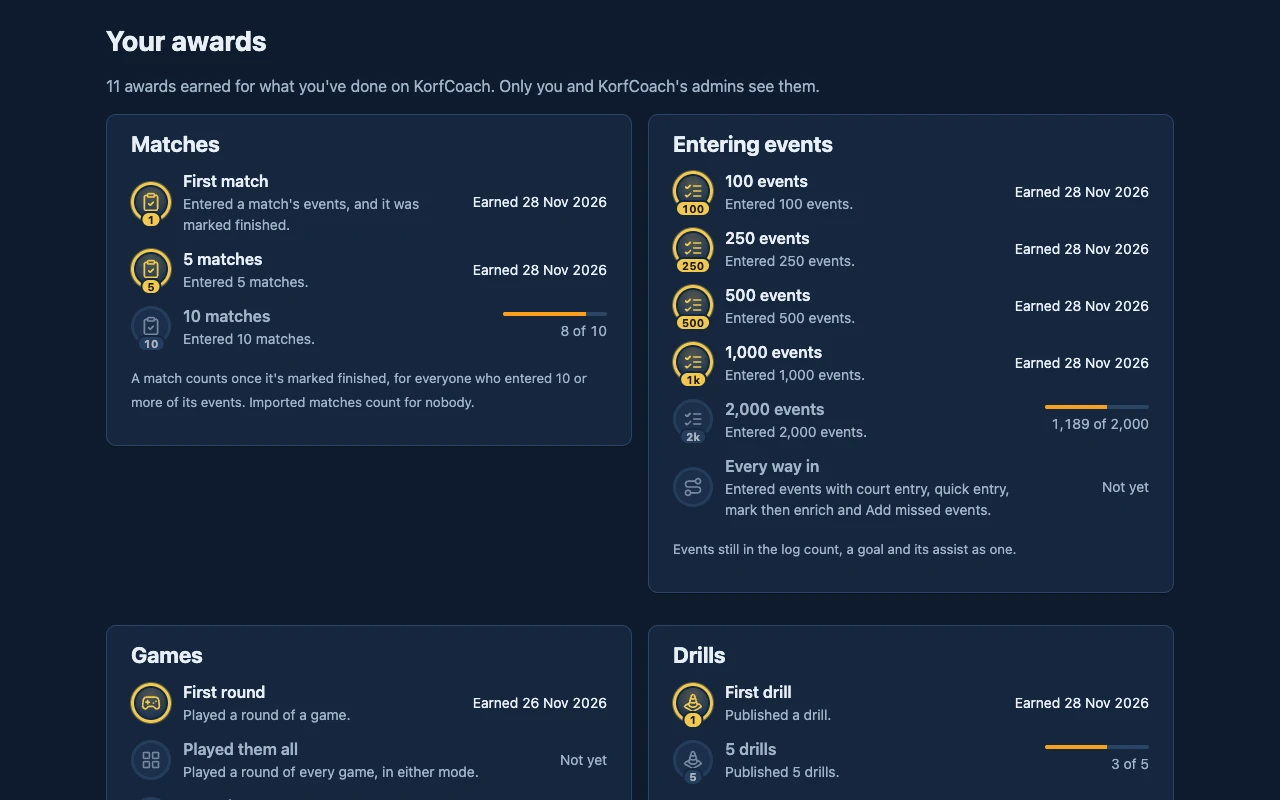
Earn awards for what you do in KorfCoach: entering matches, publishing drills, playing the games, sending feedback and more.
- Most are milestones that never run out: 100 events, then 250, 500, 1,000 and on, each badge showing its count.
- A card in the corner says when you've earned one, on whatever page you're on.
- Your awards shows them all, and how far there is to go to the next milestone.
- Only you (and the site admins) see yours.
Notes and help
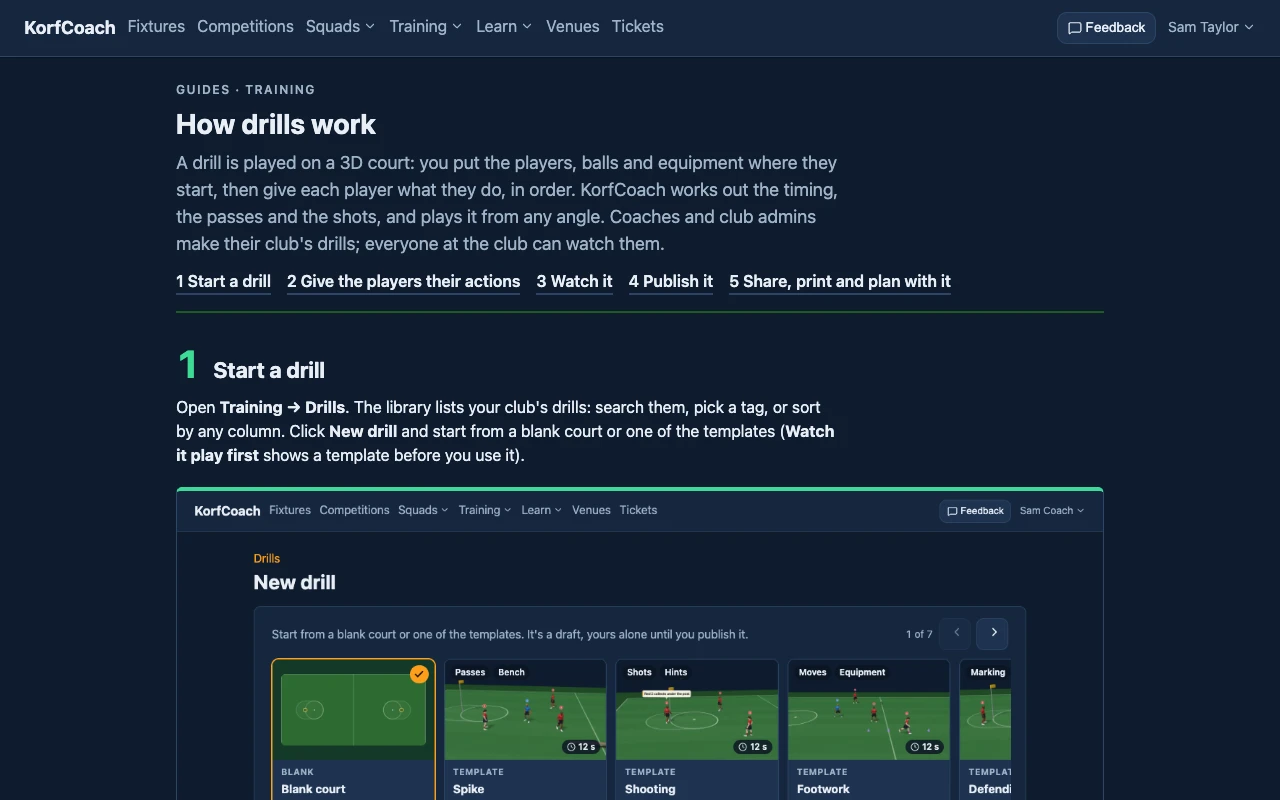
Guides
Step-by-step help with pictures: setting up teams, creating drills, drawing them with AI, and managing users.
1 of 31